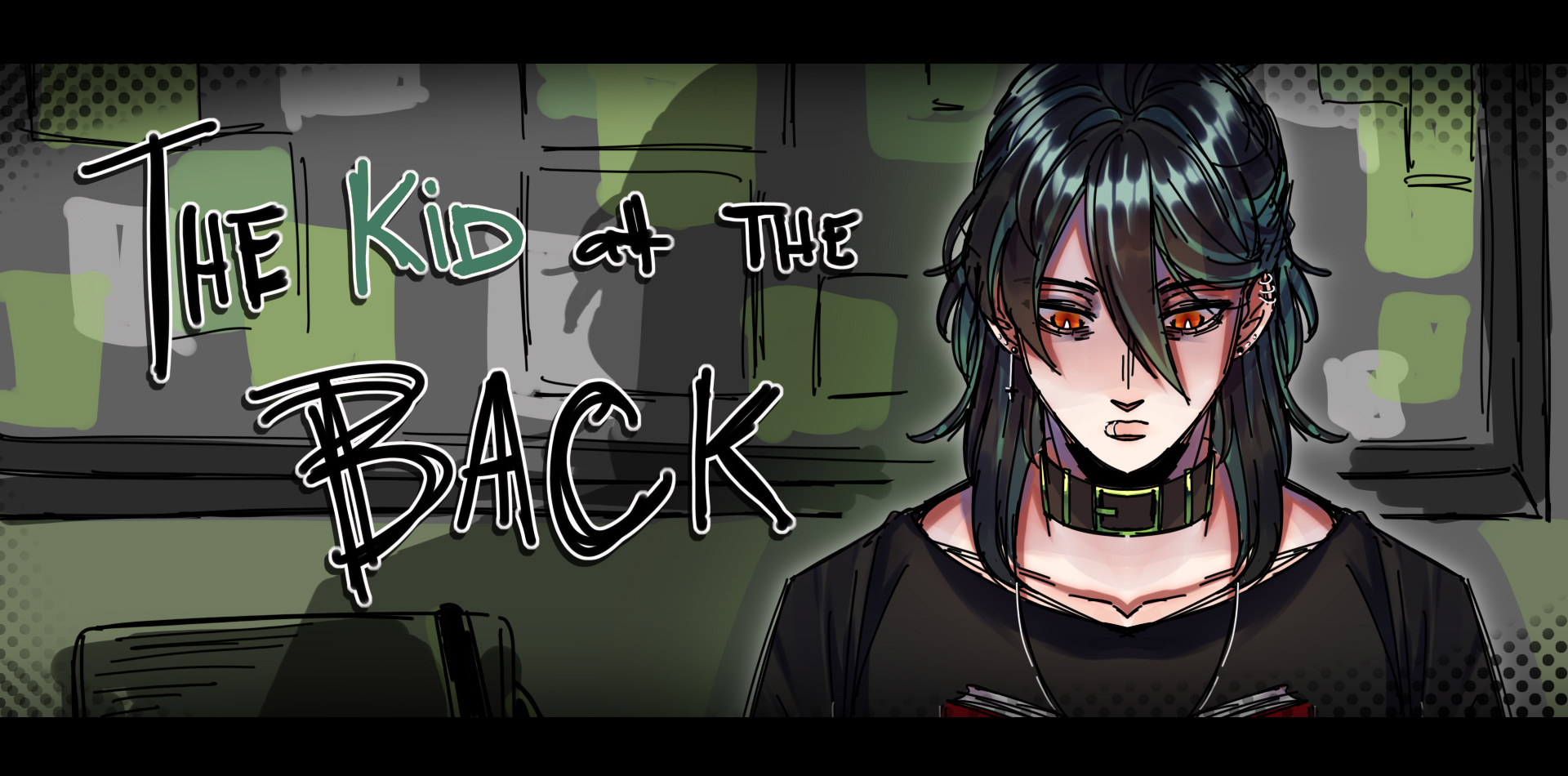
The Kid at the Back - A Classroom Horror That Lives In Your Browser
"The Kid at the Back knows exactly how to scare you without ever raising its voice. The classroom is quiet. The lights hum. You can feel someone looking at you, and you will not turn around until the game lets you. I closed the tab twice before finishing it."
— Indie horror fan, r/indiegaming
The Kid at the Back is a free first-person school horror game. You sit in a classroom. The lesson is happening. The teacher is talking. And somewhere in the back row, a kid is watching you — not the board, not the teacher, you. The game never tells you what the kid wants. It just keeps putting you back in that seat, day after day, and lets the silence do the work.
The browser player above is built so you can drop into The Kid at the Back the moment the mood strikes. Press Play in Browser, let the frame load, and look at the front of the classroom. The kid is already looking back. There is no installer, no launcher, no signup wall. Save data lives on the developer side, so even if you close the tab, your progress stays where you left it.
What The Kid at the Back Feels Like
The art in The Kid at the Back is dim, dusty, and lit by fluorescent tubes that flicker just enough to make you uncertain. The classroom is rendered with the kind of detail you stop noticing after a while — chipped desks, scratched chairs, the back of someone's head three rows ahead. The kid is always in the same seat, always in the same posture, and always slightly too still. The sound design is restrained: a low hum, the squeak of a chair, the teacher droning through a lesson you do not need to understand.
How To Play The Kid at the Back
The controls are deliberately tiny. There is no inventory, no combat, no map. You look. You listen. You decide whether to turn around. The whole game lives or dies on whether the atmosphere lands, and it does — because every prop on screen is doing a small amount of quiet work to make you feel watched.
I
Press Play in Browser and let the frame load. No install, no signup.
II
Use your mouse to look around the classroom. The cursor hides during key moments so the game can lean on the silence.
III
Listen to what the teacher says. Clues hide in the lessons — pay attention to the words the game repeats.
IV
When the moment is right, turn around. Some days the kid is gone. Some days the kid is closer than you remember.
What You Survive In The Kid at the Back
Every "day" in The Kid at the Back is a short, self-contained horror vignette. The classroom looks the same — the desks, the windows, the teacher at the front — but something has shifted. A chair is in the wrong place. A window is open that should be closed. The kid is one row further forward than yesterday. The game never explains itself. It just keeps stacking small wrong details until the room stops feeling safe.
[01]
Survive The Lesson
Sit still. Do not turn around. The teacher is on your side — for now.
[02]
Notice The Details
Chairs move. Windows open. The kid is closer than you remember. Small things are wrong.
[03]
Read The Chalkboard
The lessons are not random. The words the teacher repeats are clues. Pay attention.
[04]
Survive The Hallway
Between lessons the hallway is its own horror. Move carefully.
[05]
Endure The Day
Some days end. Some days do not. The game does not promise you will make it out.
[06]
Find The Truth
There is an explanation buried in the classroom. The game does not hand it to you.
The Kid at the Back - Real Screenshots
All screenshots below are pulled straight from the playable build. The browser player above runs the exact same code - what you see in the gallery is what lands on your screen when you press play.
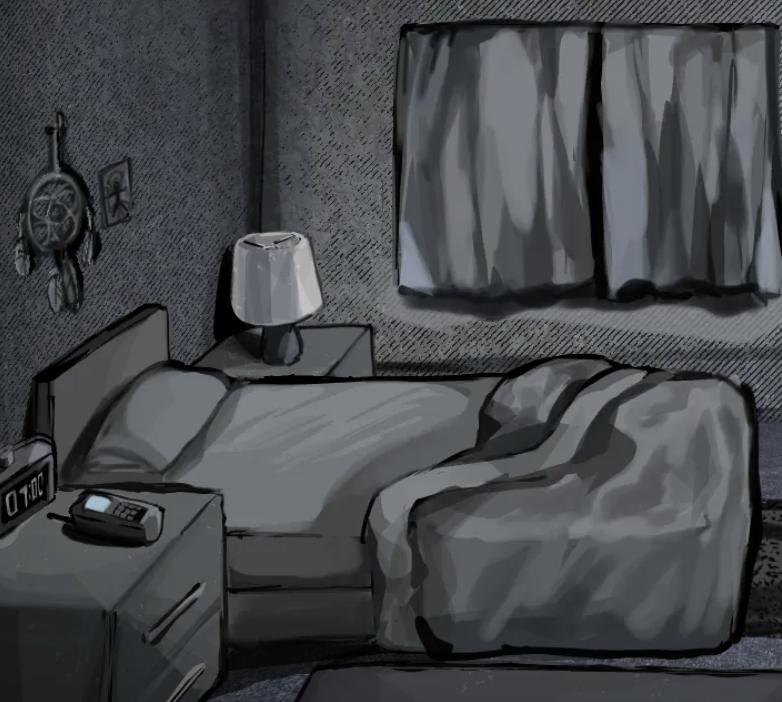
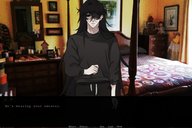
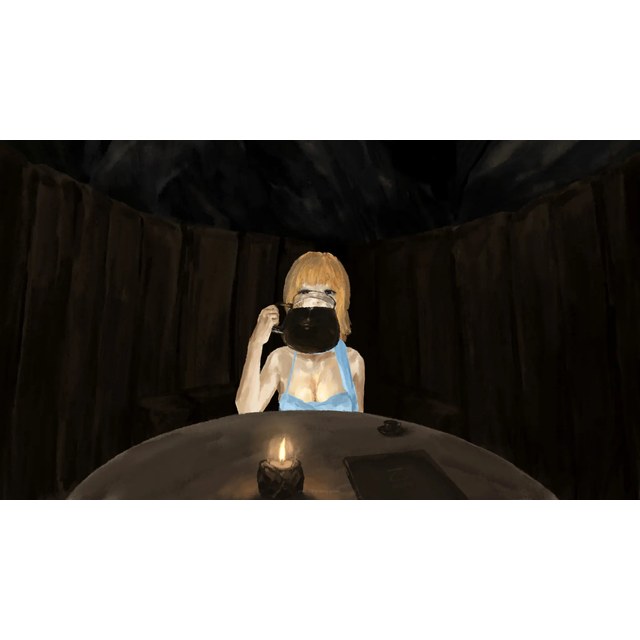
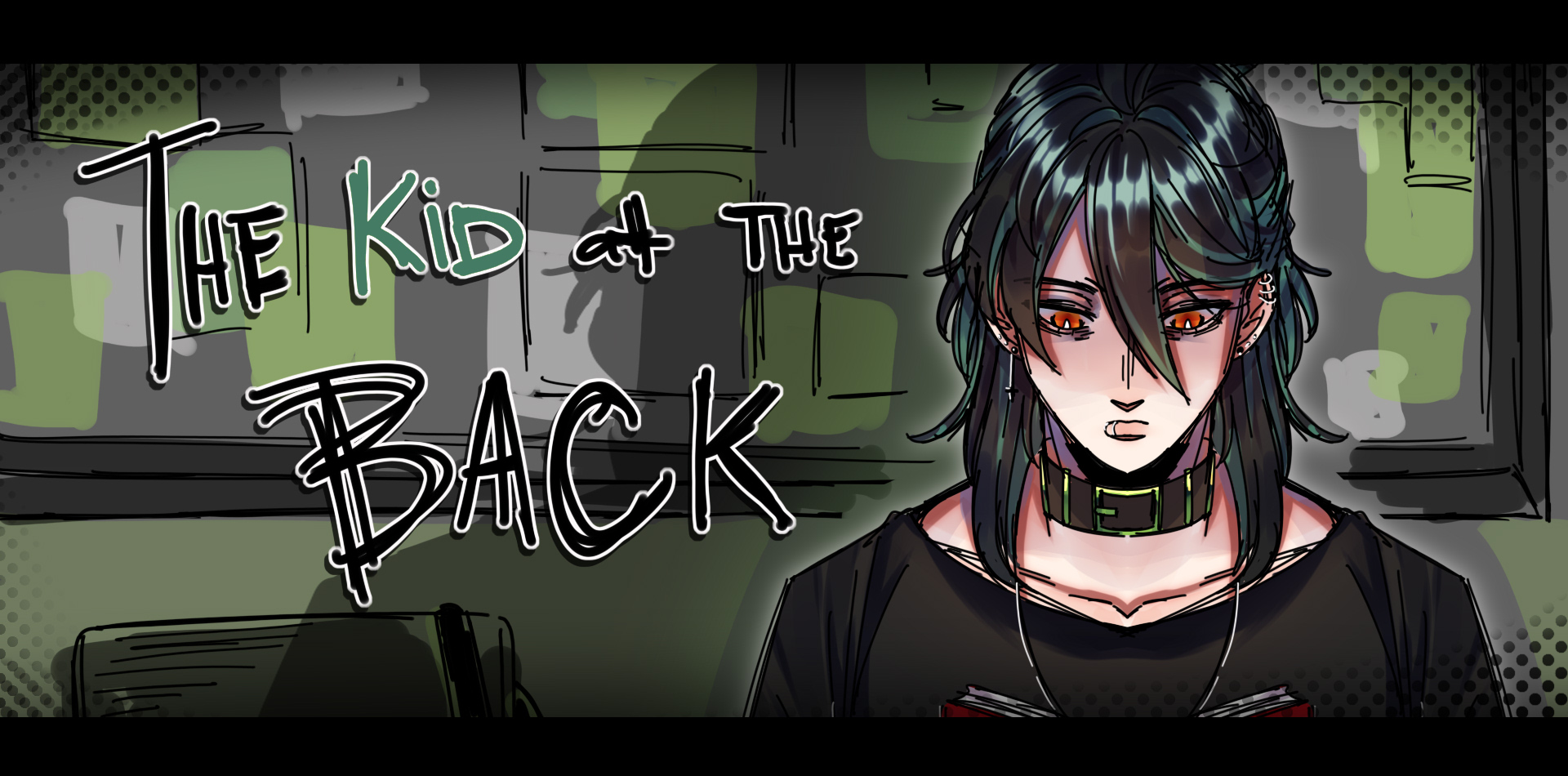
The Kid at the Back — empty classroom with rows of desks and a single figure in the back rowThe Kid at the Back — desk POV in dim light with the chalkboard behindThe Kid at the Back — close-up of the kid in the back row, lit from below
Why The Kid at the Back Sticks With You
The Kid at the Back is a free first-person school horror game you can play in your browser today. No itch.io, no Steam, no download. Just press play, sit in the desk, and find out what the kid in the back row wants.
Instant Browser Play
No install, no download, no account. Press play and the classroom loads in the frame above.
First-Person Horror
You see what the desk in front of you sees. The kid is always somewhere behind your peripheral vision.
Atmospheric Sound
A low hum, fluorescent flicker, the squeak of a chair. The silence does most of the work.
Short Sessions
Each "day" is a short vignette. Perfect for ten minutes between bigger things.
Replay For Clues
The lessons repeat. The chalkboard changes. New details surface on a second run.
No Time Pressure
The game does not chase you. It just sits in the back row, watching.
Tips Before You Start
Give The Kid at the Back a clean browser tab if you can. Close noisy video streams, let the game take the screen, and play with the sound on if your browser allows it. The atmosphere does most of the work — the louder your room, the less the game can do.
A Browser Horror Worth Bookmarking
This portal is built to make The Kid at the Back as easy to launch as possible. Press the button, the build loads, and the room shows up. That is the whole point. If you enjoy The Kid at the Back, the related section at the top of the page has more browser games in the same lane.
"Cobb Can Move doesn't waste your time. You walk in, you see coal, you see a furnace, and the whole game quietly tells you what to do. Five minutes later you're already three rooms deep and smiling about a door you figured out the wrong way first."
— Browser puzzle fan, r/WebGames
Cobb Can Move is the kind of puzzle game that respects the player. It does not bury the rule set under a tutorial wall. It does not bombard you with a story you have to read before you can move. The screen is a stone corridor. A small white figure stands at the entrance. A furnace burns at the far end. Coal sits in the middle of the room. Once you press a key, you understand exactly what the game is asking: get the coal to the fire. That is the shape of Cobb Can Move. Simple rules, tight rooms, and the satisfaction of seeing a plan click into place.
The browser player above is built so you can drop into Cobb Can Move the moment the mood strikes. There is no installer, no launcher, no signup wall, no "please log in to continue." You press Play, the frame loads, and the dungeon shows up. If your browser blocks the iframe, try disabling content blockers for this site or launching in a private window. Save data lives on the developer side, so even if you close the tab, your progress stays where you left it.
What Cobb Can Move Feels Like
The art style does a lot of work in Cobb Can Move. The game leans into a chunky retro pixel look - the kind that feels like an old handheld, except darker. The corridors are made of grey stone blocks, the shadows go almost completely black at the edges of the screen, and the only real color comes from the burning furnace and the small flames on the wall torches. The contrast is the point. Your character is a tiny white figure against all of that dark stone, so you always know exactly where you are and what is around you. The game never hides information with bad lighting or muddy art. Every object on the grid is readable from a single glance, and the pixel-art style gives the whole thing a slightly creepy, slightly comic feel that keeps Cobb Can Move from feeling like a sterile logic test.
How To Play Cobb Can Move
The controls are deliberately tiny. There is no inventory management, no stamina bar, no crafting menu, no skill tree. You move. You push. You reach the goal. The whole game lives or dies on whether the rooms feel good to walk through, and the answer is yes - because every tile is the size of your character and every push lines up the way your brain expects.
I
Press Play in Browser and let the frame load. No install, no signup.
II
Use WASD or Arrow Keys to walk your small white figure through the dungeon.
WASD
III
Walk up against pushable objects (coal crates, stones) to push them one tile at a time.
IV
Deliver the coal to the burning furnace marked with chevron arrows to clear the room.
A small warning: Cobb Can Move looks easy, and the first two or three rooms genuinely are. The moment the grid opens up and you have to use one crate to block a hazard, or to roll a second crate into a corner you could not have reached directly, the game quietly steps up. Each room is a tiny, clean idea. Stacked together, they build into a satisfying logic puzzle that does not overstay its welcome.
What You Solve In Cobb Can Move
Every room in Cobb Can Move is a self-contained puzzle. The room tells you the goal visually - usually a furnace with a path of arrows pointing at it - and the rest of the floor plan tells you what you have to push, what you cannot push, and where the obstacles are. The game never asks you to fight anything, never throws timers at you, never makes you replay a room because a monster caught you. You just think, push, undo in your head, and try again.
[01]
Push & Deliver
Roll a coal crate to the furnace along the marked path. The basic building block of the game.
[02]
Block Hazards
Use a crate as a shield against pressure plates, spikes, or moving obstacles in later rooms.
[03]
Route Around
Crates can be pushed, but they cannot be pulled. Plan a path before you commit your first move.
[04]
Sequence Pivots
Some rooms need a crate moved first to unlock a path for the second crate. Think two moves ahead.
[05]
Tight Corners
One-tile-wide hallways force you to think about how a crate will rotate around a corner.
[06]
Free Yourself
If you wedge a crate in a corner, you have to back out and re-plan. The dungeon does not hand you a hint.
Cobb Can Move - Real Screenshots
All screenshots below are pulled straight from the playable build. The browser player above runs the exact same code - what you see in the gallery is what lands on your screen when you press play.
Title art: a tiny figure, an enormous red monster, and a carrot that should not be this unsettling. The whole mood of the game lives in this single frame.First room: the furnace burns. A path of yellow chevrons points straight at it. Your only job is to push the coal up the corridor.Movement tutorial appears right inside the room. WASD or arrow keys - the game does not waste a frame on separate training levels.The title card returns between rooms, reminding you exactly what you are walking into. COBB. CAN. MOVE.A mid-dungeon view: stone corridors, dim torches, a coal crate waiting to be pushed toward the fire at the far end.The same first room in compressed webp form - the build that streams into the browser player above when you press play.
Why Cobb Can Move Sticks With You
The reason Cobb Can Move works as a browser game is that it commits to being short, sharp, and readable. You can finish a single room in under a minute. You can finish a full run in fifteen. The art style does the heavy lifting on atmosphere without slowing the gameplay down, and the rule set is so clean that you can teach it to a friend in a single sentence. There is no fat on this game.
Instant Browser Play
No install, no download, no account. Press play and the dungeon loads in the frame above.
Tight Pixel Art
Chunky retro pixel art with high contrast - you always know where you are and what to push.
One-Hand Controls
WASD or arrow keys. The whole game is reachable with the left hand on the keyboard.
No Time Pressure
No timers, no enemies chasing you. Take as long as you need to think the room through.
Bite-Sized Levels
Each room is a single clean idea. Perfect for a five-minute brain reset between other tasks.
Save Anywhere
Progress is stored on the game side. Close the tab, come back later, pick up where you stopped.
The Quiet Horror Of A Pixel Dungeon
There is a reason Cobb Can Move ends up on horror-adjacent portals even though it is not a horror game. The art direction has the same DNA as a creepy pixel crawler. The corridors are dark. The edges of the screen fade to black. The only bright color is the fire. It is the kind of game that you can put on a second monitor while you work and never feel stressed by, but if you actually sit down and stare at the title card for ten seconds, the red monster peeking over the wall starts to feel a little personal. That contrast is what makes the game land. It looks like a children's logic toy and behaves like one too, but the mood is grown-up.
The other thing Cobb Can Move does well is teach by doing. There is no "tutorial" room. There is no pop-up explaining what a pushable object is. You walk into a room, you see a coal crate next to a furnace, and your brain immediately goes "ah, push the crate into the fire." If you are wrong, the room does not punish you. It just sits there, waiting for the next attempt. That kind of gentle feedback loop is rare in browser games, and it is the reason people who play Cobb Can Move tend to keep playing for a few more rooms than they planned.
Tips Before You Start
The best way to enjoy Cobb Can Move is to give yourself a clean browser tab, let the game take the screen, and treat it like a small ritual. Close your other tabs. Put your phone down. Each room is a tiny logic puzzle, and the game respects you enough to skip the hand-holding.
When you walk into a new room, do not push the first crate you see. Stop for a second. Look at where the furnace is. Look at where the crate is. Look at the walls. Ask yourself: is the direct path blocked? Is there an obstacle I will need to clear with a crate? Do I have to push the crate around a corner? The game is small, but the answer is rarely the obvious one. The first move you think of is usually right, but not always - and the moment you catch yourself about to make a wrong move, Cobb Can Move becomes a much better game.
If you wedge a crate in a corner, do not panic. Back up. Re-route. The rooms are small enough that you can usually see the right path within a few seconds of staring. Cobb Can Move is not interested in punishing you. It is interested in the small "oh" moment when the plan clicks. If you feel stuck, take a breath, scan the whole room, and try the move you have been avoiding.
A Browser Puzzle Worth Bookmarking
Cobb Can Move is a clean, fair, well-paced pixel puzzle that you can finish in an afternoon. It runs free in your browser, no download, no account, no strings. If you enjoy logic puzzles, Sokoban-style pushing, or just want a small game to clear your head with between bigger things, this one is easy to recommend. The art is charming, the rooms are smart, and the moment a tricky crate finally lands where you wanted it is the kind of low-stakes satisfaction that the web is still good at.
This portal is built to make Cobb Can Move as easy to launch as possible. Press the button, the build loads, and the dungeon shows up. That is the whole point. If you enjoy Cobb Can Move, the related section at the top of the page has more browser games in the same lane.
Player Notes
0
▼
No notes yet. Be the first to leave a trace in the dungeon.
I have been watching you since the first lesson.
— The Kid at the Back
Frequently Asked Questions
Yes. The Kid at the Back runs in your browser for free. No download, no install, no account, no payment.
Yes. This portal hosts the playable browser build. Press Play in Browser at the top of the page and the build streams into the player. No itch.io account needed.
No. The Kid at the Back is a slow-burn psychological horror game. It does not rely on jumpscares — it relies on atmosphere, sound design, and the feeling of being watched. That said, there are a few sharp moments.
The page is mobile responsive and the build can technically load on a phone, but the game is a first-person experience designed for a larger screen. A desktop or laptop is the recommended way to play.
No. The Kid at the Back is intended for mature audiences. The game contains psychological horror themes, unsettling imagery, and moments of intense atmosphere. Discretion is advised for younger players.
The game is short by design — each playthrough is roughly twenty to thirty minutes. Replay value comes from catching the clues you missed the first time.
Refresh once, allow scripts for the-false-sun.com, and disable aggressive content blockers for this site. The game build itself is loaded from the developer's server — your browser and the iframe handle the rest.
This is a fan-built browser portal that hosts the playable build of The Kid at the Back for convenience. The original game lives on its own creator site.
No. The original creator hosts the playable browser build, and this fan portal mirrors that build inside an embedded player. You can play The Kid at the Back free in your browser without visiting Steam, itch.io, or downloading anything.
No. The game runs entirely in your browser. There is no signup, no email, no verification. Press play and the lesson begins.
Share this game
Help other fans find a free browser version of The Kid at the Back.





















Player Notes
0